Personal property documentation
Could you list everything you own, from memory?
Probably not. So film one short video of each room, not a photo of every item. We turn it into an itemized record of what you own, with a photo and an estimated replacement cost for most items: the kind of item-by-item list a claim under the personal property part of your policy (often called Coverage C) asks for.
When we open, it’s a one-time purchase. Not a subscription, nothing to renew, nothing to cancel.

Processed after upload
Some items found in this video
- hanging planterhome decor, AI est.$15–$40Found automatically (AI)
- pothos planthome decor, AI est.$30–$80Found automatically (AI)
- turntableelectronics, AI est.$100–$300Found automatically (AI)
- room dividerfurniture, AI est.$100–$300Found automatically (AI)
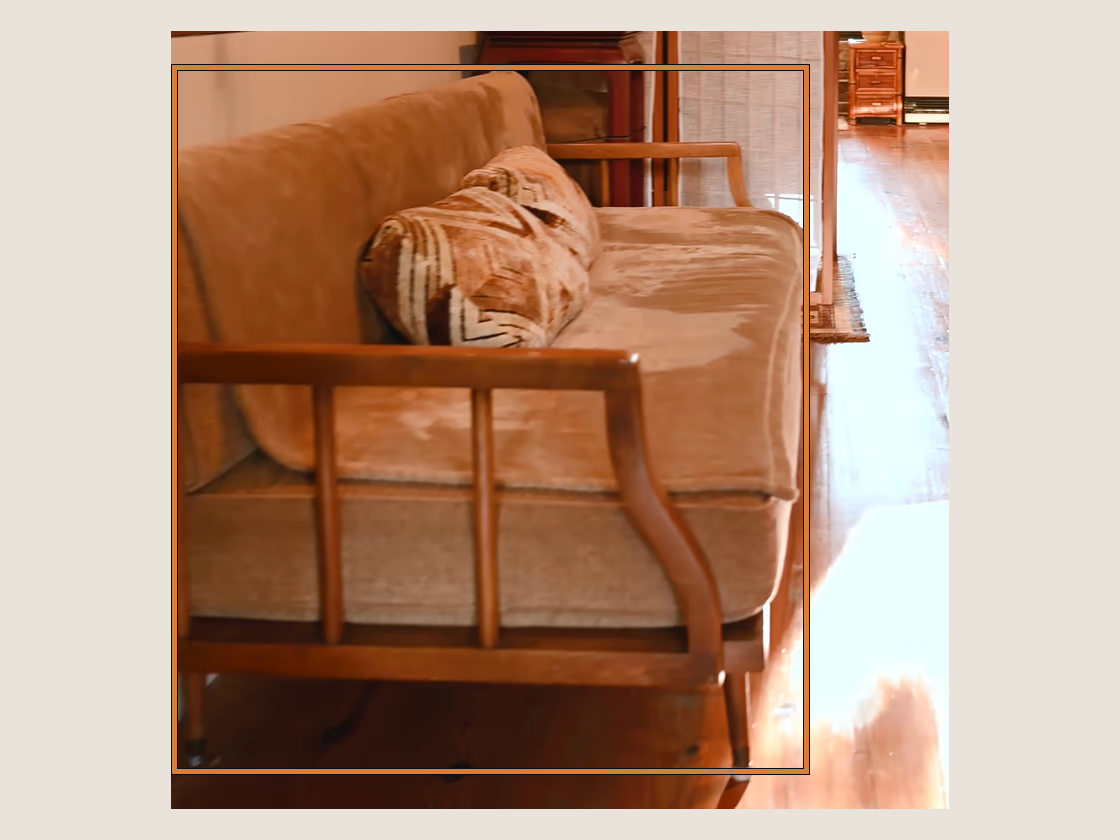
- sofafurniture, AI est.$600–$1,500Found automatically (AI)
- throw pillowhome decor, AI est.$20–$50Found automatically (AI)
- area rughome decor, AI est.$200–$800Found automatically (AI)
- (4) dining chairfurniture, AI est.$100–$300Found automatically (AI)
- dining tablefurniture, AI est.$200–$600Found automatically (AI)
- bar stoolfurniture, AI est.$100–$300Found automatically (AI)
- One video per room, not a photo per item
- A dated fingerprint on every video
- Encrypted and stored in the US
Why it matters
Most of us never made the list.
How it works
Film each room. We take it from there.
- 1
Record each room.
Walk through a room filming what you own (closets, drawers, shelves). Give it a name, like “Living room,” and upload. Each video can run up to 15 minutes. A big room or a packed closet can take two or more videos. Start each one where the last one stopped, so you don’t film anything twice.
- 2
We build your inventory.
Disaster Inventory goes through each video automatically and creates an itemized list, most items with a cropped photo and an estimated replacement cost.
- 3
Review and add what’s missed.
Make adjustments, remove anything listed twice, and draw a box around anything we missed. Every item is marked as found automatically or added by you, so it’s clear who added it. While you have access, attach receipts or appraisals to the items they belong to. Your PDF report lists them under each item. Keep your originals too.
- 4
Download your report.
Download your inventory as a PDF report as often as you like during your 30 days of access. It puts your items and the main details you’ve added in one file, with photos and cost estimates for most items, and lists the documents attached to each item. You can also download it as a spreadsheet (Excel or CSV). Save your own copy before your 30 days are up. After that, you can’t download it.
The deliverable
The spreadsheet your adjuster reads.
Your inventory downloads as a file you can hand to a claims adjuster: the items found in your videos, grouped by room, most with a replacement-cost range. Here are some of the rows from the export of a sample video of an apartment (not a customer’s home). Their values are shown as they came back, and the file has more columns than fit here.
| Item | Qty | Replacement cost (USD) |
|---|---|---|
| room divider | 1 | $100–$300 |
| area rug | 1 | $200–$800 |
| sofa | 1 | $600–$1,500 |
| dining table | 1 | $200–$600 |
| bar stool | 1 | $100–$300 |
| throw pillow | 1 | $20–$50 |
| dining chair | 4 | $100–$300 |
| pothos plant | 1 | $30–$80 |
| turntable | 1 | $100–$300 |
| hanging planter | 1 | $15–$40 |
Sample export. Replacement costs are automated estimates, not appraisals. Each cost range is for one item, not for the whole quantity on its line. The downloaded file also has columns for brand, model, serial number, condition and purchase details for you to fill in.
Download a sample spreadsheet (CSV)Your inventory
What the list looks like in your account.
This is a screenshot of a Disaster Inventory account, taken after it processed a sample video of an apartment. The labels, cost ranges and photos are shown as they came back. None of it was drawn for this page. Where this screenshot says “verifiable”, it means the photo came from a video we fingerprinted. Your account may show “fingerprinted” instead. The fingerprint covers the video file only. It says nothing about the item, who owns it, or what it is worth.

Why it works
Your claim starts with what you can prove.
Not what you remember. A photographed, dated record of your belongings is the difference between a list you’re sure of and a number you’re guessing at.
Every video, dated at upload.
Every walkthrough video you upload gets a digital fingerprint and the date and time you started uploading it, a quiet, dated mark on the footage. What you build from it stays yours to edit.
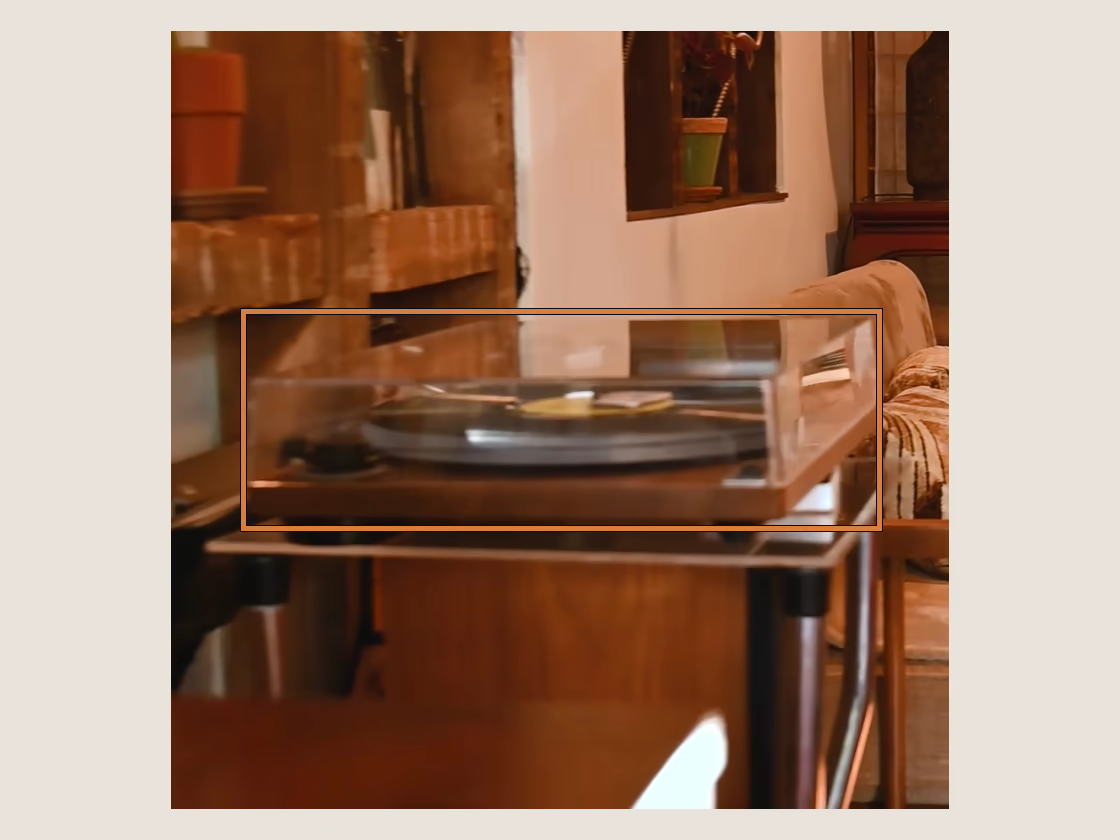
A photo of the things we find.
A clear, cropped image of the items we identify, so you’re not describing them from memory.
Most of it, done for you.
We can miss items, but most of your home documented beats the nothing most of us have now. If we miss one, you can manually add it.
Built to hand over.
A clean, organized inventory insurers and adjusters can read, as a PDF report or in Excel or CSV.
Dated at upload
A dated fingerprint on every video.
Upload a walkthrough and we record two things about the file itself: a digital fingerprint unique to it, and the date and time you started uploading it.
If the file is changed in any way, even slightly, the fingerprint no longer matches, so it can show that a copy is the same file we received. It says nothing about the items in it, who owns them, or what they are worth.
The fingerprint covers the video only. The inventory you build from it stays yours to edit, add to, and export.
- Walkthrough uploaded
- Fingerprint taken
- Upload time recorded
- Your record stays yours to edit
A yearly habit
Check your inventory like your smoke detectors.
When your renewal notice arrives, that’s your cue: walk each room once, and your proof exists for another year.
Pricing
One purchase, for your whole home.
Everything you need to document one home
- Unlimited room-by-room videos*
- An itemized inventory built automatically from your videos: most items with a cropped photo and a replacement-cost estimate (estimates, not appraisals)
- Add anything we missed
- Dated fingerprint on every video
- Download a PDF report, or export to Excel or CSV
*Unlimited videos are subject to fair use. A typical home won’t come close. See the fair use terms.
One-time purchase
We’ll announce the price when we open.
One property · 30-day access.
Opening soon. In the meantime, film your belongings now so you’re ready on day one.
- Not a subscription. Nothing to renew, nothing to cancel
- 30 days of full access to build your inventory, and the export is yours to keep
- Questions or need a hand? Email support@disasterinventory.com
- Your full card number never touches our servers. A certified payment provider handles it directly
FAQ
Questions, answered.
Is my video private?
Yes. Your videos and inventory are encrypted while they upload and while they’re stored, kept on secure systems in the US, and walled off so only you can see them. We don’t sell your data or use it to train AI models. We don’t use ad or analytics cookies today, and if we ever add them, they’ll stay off until you turn them on. The record of your home stays yours.
What if something gets missed?
You stay in control. Review the list we build, make adjustments, and draw a box around anything we missed. Every item is marked as found automatically or added by you, so your record shows where each line came from.
How much work is it?
Not much. Recording each room is a short walkthrough. No pulling everything out and photographing each item one by one; that’s the labor-intensive way. Once you upload, we take it from there: we work through your videos on our end and turn them into an itemized inventory, so you don’t have to sit and wait or build the list by hand.
Is this a subscription?
No. Disaster Inventory is a one-time purchase that gives you 30 days of access to build your inventory for one property: as many room-by-room videos as your home needs, your itemized inventory, built automatically from your videos, and export. No recurring charge, nothing to cancel. Questions? Email support@disasterinventory.com.
Film it while it’s all still there.
Record a video of each room. We’ll help you turn it into proof.
A one-time purchase when we open. The inventory you export is yours to keep.